
Fix BMW iDrive Lag in Dubai | Fast Infotainment Tips
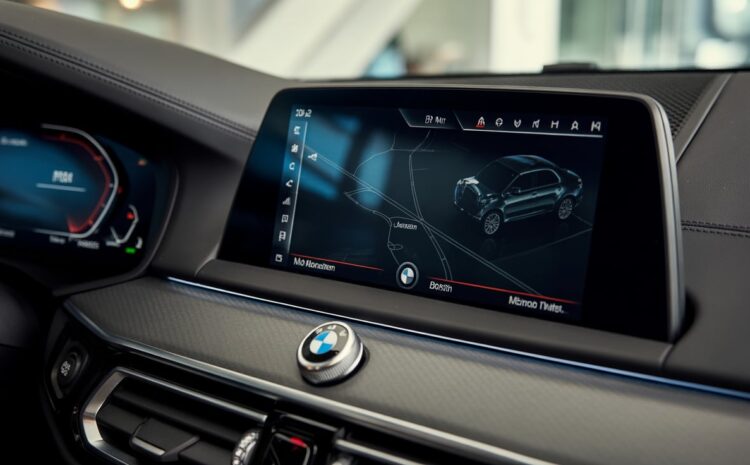
You’re driving through Dubai, trying to reroute around traffic. You tap the BMW iDrive screen nothing happens. The map freezes, the music skips, and the voice command fails. Suddenly, your sleek German machine feels sluggish. BMW iDrive is not just for convenience. It controls navigation, media, and even safety alerts. When it lags, your confidence drops. In fast-paced Dubai traffic, hesitation is risky. Lag is not just a glitch. It is a warning. And if you own a BMW in the UAE, it is a problem you cannot afford to ignore.
Why is BMW iDrive Lag common in Dubai?
BMW iDrive lag is not random. In Dubai, it is practically engineered by the environment.
Start with the heat. When your car’s cabin hits 120°F after sitting in the sun, the infotainment processor does not just get warm; it slows down. This is called thermal throttling. BMW iDrive systems are built to protect themselves, so when the heat rises, performance drops. You tap the screen, and it hesitates. You ask for directions, and it stutters. It is not broken, it is overwhelmed.
Now add traffic. Dubai’s stop-start congestion is brutal. You sit idle with the AC blasting, headlights on, music playing, and navigation running. All of it pulls voltage. And when the battery dips, BMW iDrive starts to lag. It is like trying to run a laptop on 5% battery with ten tabs open.
Then there is the software. Many owners skip updates, worried about resets or compatibility. But outdated firmware cannot handle new media formats or navigation overlays. Combine that with overloaded storage, cached data, unused apps, old media, and the system starts gasping for memory. BMW iDrive needs breathing room. Without it, it chokes.
BMW iDrive is not just reacting to age. In Dubai, it is reacting to heat, voltage strain, and digital clutter. And unless you address those stress points, the lag is not going anywhere.
Common Symptoms of BMW iDrive Lag
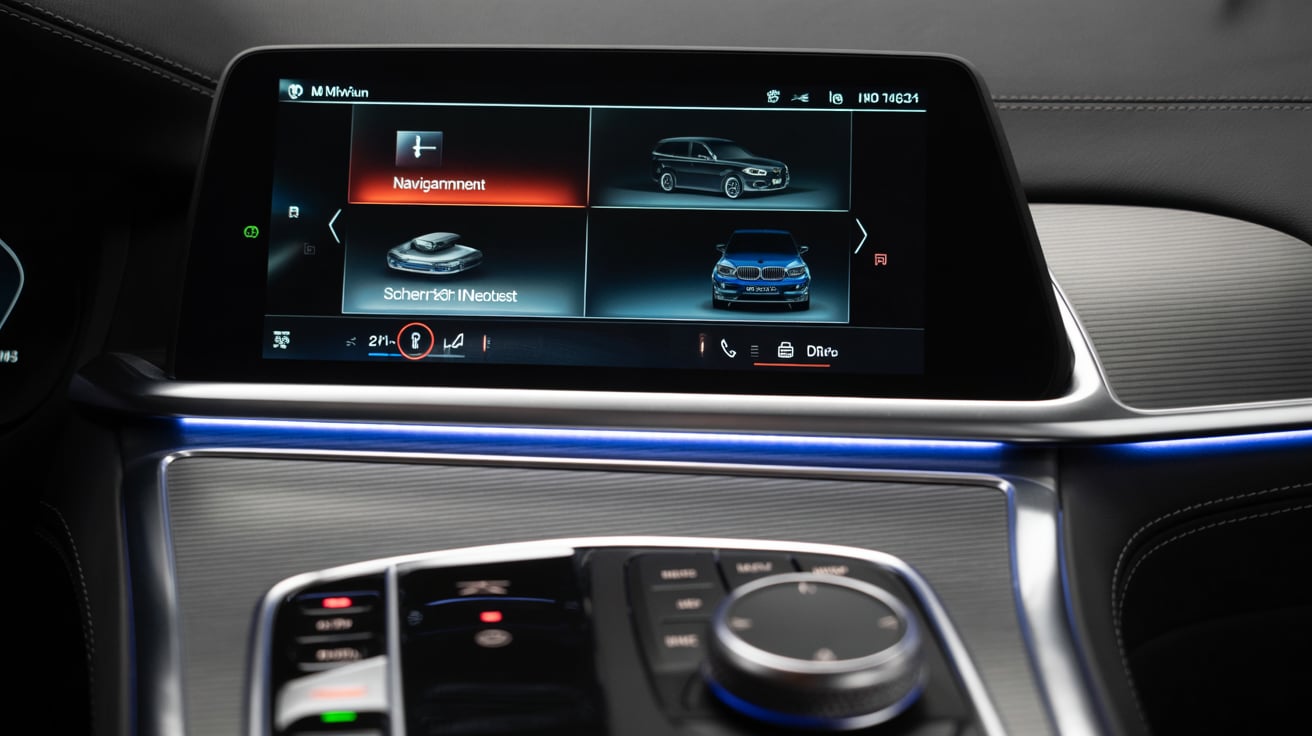
BMW iDrive lag does not always show up the same way. Sometimes it is subtle. Other times, it is impossible to ignore. If you drive in Dubai, these symptoms tend to surface more often, especially during peak heat or long idle periods.
Delayed Touchscreen Response
You tap the BMW iDrive screen and wait. Nothing happens. Or worse, it responds late and selects the wrong option. This is not just frustrating; it is dangerous when you are trying to adjust navigation or media while driving. Heat-soaked processors and overloaded memory are usually behind this delay. In Dubai’s climate, it is a common issue.
Freezing During Navigation or Media Playback
Maps stop updating mid-route. Music skips or pauses randomly. BMW iDrive systems under thermal stress often freeze during high-load tasks. If you are stuck in traffic with AC on full blast and multiple apps running, expect this kind of lag. It is not your fault; it is the system struggling to keep up.
Slow Boot-Up After Engine Start
You start the car, and the BMW iDrive takes forever to load. Thirty seconds. Sometimes more. It feels like the system is waking up from deep sleep. This usually points to outdated software or a cluttered hard drive. In older models, it can be even worse.
Voice Command Delay or Failure
You say “Navigate to Dubai Mall,” and the system either misinterprets or ignores you. Voice recognition in BMW iDrive depends on processing speed and software accuracy. When lag sets in, commands get lost or delayed. It is not just annoying; it breaks the flow of driving.
Bluetooth or USB Connectivity Issues
Your phone disconnects mid-call. USB media takes ages to load. These are signs of BMW iDrive struggling with resource allocation. If your system is overloaded or running outdated firmware, connectivity suffers. In Dubai, where drivers rely heavily on mobile integration, this is a serious inconvenience.
BMW iDrive lag is not just one problem; it is a cluster of symptoms. And once they start showing up, they rarely go away on their own.
How to Diagnose BMW iDrive Performance Issues?
BMW iDrive lag is not something you guess at. You diagnose it. And in Dubai, where heat and voltage strain are part of daily driving, skipping this step is a mistake.
Start with the basics. Go into your BMW iDrive settings and check the software version. If it has not been updated in months, or worse, years, that is already a red flag. Updates often include performance patches, bug fixes, and compatibility improvements for UAE-specific driving conditions.
Next, scan for fault codes. Use BMW ISTA or any high-grade diagnostic tool. You are not just looking for obvious errors, you want to catch infotainment faults triggered by heat soak, voltage dips, or memory overload. These codes do not always show up on the dashboard, but they affect BMW iDrive responsiveness.
Storage matters. Navigate to system storage settings and look at how much space is used. If it is over 80 percent, clear cached data, remove unused apps, and delete old media. BMW iDrive systems need free memory to function smoothly. Clutter slows everything down.
Test the system. Switch between navigation, media, and settings. If one function lags more than others, that tells you where the bottleneck is. BMW iDrive should respond instantly across all modules. If it does not, something is off.
Watch it under stress. After parking in direct sunlight, observe how BMW iDrive behaves. If lag spikes during heat soak or long idle periods, thermal throttling is likely. That is common in Dubai, especially during midday commutes.
Estimation cost for full diagnostic session | AED 600–1,200 depending on model and scope. This is an estimation cost. For exact pricing, contact us.
BMW iDrive lag is not just a tech issue; it is a system-wide slowdown. And unless you diagnose it properly, you are just guessing in the dark.
Smart Fixes to Speed Up BMW iDrive
BMW iDrive lag is not permanent. It just needs attention. If you are driving in Dubai and your infotainment feels like it is stuck in slow motion, these fixes can make a real difference.
- Perform a full software update or reinstallation. A fresh install clears bugs, refreshes firmware, and restores responsiveness. Many BMW iDrive systems in Dubai run outdated versions because owners fear resets. But skipping updates only makes lag worse.
- Clear cached data and remove unused apps or media files. Go into your BMW iDrive settings and clean house. Delete old videos, unused apps, and system logs. Less clutter means faster load times and smoother transitions between functions.
- Disable unnecessary background features. Features like auto-sync, live traffic overlays, and weather widgets drain memory. You do not need all of them running at once. Shut down what you do not use. BMW iDrive performs better when it is not multitasking unnecessarily.
- Replace aging hard drives or memory modules in older models. If your BMW is more than five years old, the internal storage might be slowing things down. Replace it with original parts, not just OEM-rated ones. OEM parts sold separately are not always the same quality as the originals installed by BMW.
- Use infotainment cooling solutions or thermal shielding. Dubai heat is brutal. Some garages offer custom cooling kits for BMW iDrive units. Thermal shielding helps prevent processor throttling during long idle periods or midday commutes.
Estimation cost for software refresh or hardware upgrade | AED 1,500–4,500 depending on model. This is an estimation cost. For exact pricing, contact us.
BMW iDrive does not need to lag forever. With the right fixes, it can feel brand new even in the middle of a Dubai summer.
UAE-Specific Stress Factors
BMW iDrive systems are not just dealing with software; they are battling Dubai itself. The climate, the traffic, even the dust, all play a role in slowing things down.
- Heat-induced processor throttling. When cabin temperatures climb past 120°F, the infotainment processor starts protecting itself. BMW iDrive does not shut down it slows down. You tap the screen, and it hesitates. You try a voice command, and it misfires. This is not a bug. It is thermal throttling. And in Dubai, it happens often.
- Sand intrusion into dashboard vents and connectors. Fine dust is everywhere. It gets into dashboard seams, vent openings, and connector housings. Over time, it interferes with cooling and signal flow. BMW iDrive systems exposed to this kind of buildup start showing lag, glitches, and even random reboots.
- Voltage fluctuation during AC-heavy operation. Full-blast AC during long idle periods pulls serious power. If the battery is not strong, BMW iDrive starts competing for voltage. That is when you see slow boot-ups, delayed touchscreen response, and Bluetooth dropouts. It is not just heat; it is electrical strain.
- Long idle times in traffic cause infotainment heat soak. You are stuck on Sheikh Zayed Road, barely moving. The engine is running, the AC is maxed out, and the sun is beating down. Meanwhile, the infotainment unit is cooking inside the dash. BMW iDrive does not like heat soak. It slows down, freezes, and sometimes crashes.
BMW iDrive in Dubai is not just dealing with tech; it is surviving the environment. And unless you factor in these stress points, every fix is temporary.
Common Mistakes to Avoid
Fixing BMW iDrive lag is not just about what you do; it is also about what you avoid. In Dubai, where heat and traffic push systems to their limits, these mistakes are surprisingly common.
- Assuming lag is just “normal aging,” Many drivers ignore slow response times, thinking it is part of owning an older BMW. It is not. BMW iDrive lag often points to heat stress, outdated software, or memory overload. Without diagnostics, you are guessing and wasting time.
- Installing third-party apps or unsupported media formats. It might seem harmless to load custom music files or third-party navigation tools. But BMW iDrive is not built for that. These files can corrupt system memory or overload the processor. Stick to formats BMW supports natively.
- Skipping software updates out of fear, some owners avoid updates, worried they will lose settings or cause resets. That fear leads to lag. Updates are designed to fix bugs, improve performance, and adapt to UAE-specific driving conditions. Back up your data, then update.
- Replacing components without verifying the root cause. Swapping out screens, controllers, or hard drives without proper diagnostics is risky. You might spend thousands and still have lag. BMW iDrive issues often start with software or voltage, not hardware.
“BMW iDrive isn’t just a screen, it’s your command center. When it lags, your entire driving experience slows down.”
BMW iDrive problems are solvable, but only if you avoid these traps. In Dubai, smart fixes start with smart decisions.
Proactive Maintenance Tips for Dubai Drivers
BMW iDrive lag does not always start with a fault. Sometimes, it creeps in slowly until one day, the screen freezes mid-commute, and you are stuck guessing. In Dubai, where heat and traffic push systems hard, prevention is not optional. It is essential. Here is how to keep your BMW iDrive responsive, even when the weather and roads are not.
- Park smart. Direct sun exposure is brutal. Use shaded parking or windshield covers whenever possible. A cooler cabin means less thermal stress on your BMW iDrive processor.
- Schedule regular software checks. Do not wait for lag to show up. Ask your service advisor to include BMW iDrive diagnostics during routine maintenance. Staying updated helps prevent bugs and keeps the system tuned for UAE conditions.
- Clean vents and connectors. Sand is everywhere. It sneaks into dashboard seams and vent openings. Over time, it clogs airflow and interferes with signal flow. Regular interior detailing helps protect BMW iDrive from dust-related lag.
- Limit media load and avoid oversized files. Streaming is fine. Storing large video files or high-resolution images? Not so much. Keep onboard storage lean. BMW iDrive runs faster when it is not overloaded.
- Use original accessories only. OEM accessories sold separately are not always the same quality as the original parts installed by BMW. Stick to genuine components to avoid voltage issues or compatibility problems.
- Monitor battery health. Weak batteries cause voltage dips. That affects infotainment stability. If your BMW iDrive lags during idle or AC-heavy operation, get your battery tested.
BMW iDrive does not need constant fixing; it needs smart care. In Dubai, that means staying ahead of the heat, the dust, and the digital clutter.
Why BMW iDrive Lag Deserves Your Attention in Dubai?
BMW iDrive lag is not something you just live with. It is not a permanent flaw. It is a system asking for help, and in Dubai, that help starts with proactive care. Infotainment systems are not passive screens. They are active processors, constantly working under heat, voltage strain, and digital load. If you ignore the signs, the lag gets worse. If you maintain it, the system stays sharp. BMW iDrive is built for performance, but even the best tech needs attention. Updates, cleanups, smart usage, these are not optional. They are the difference between a smooth drive and a frustrating one.
So do not wait for the next freeze or misfire. Treat BMW iDrive lag like any other performance issue. Diagnose it. Fix it. Prevent it.
“In Dubai, speed isn’t just about horsepower; it’s about responsiveness. Keep your iDrive sharp, and your drive smarter.”